A Step-by-Step Guide to Ordering Pizza Online from Crazy Tomato
Craving pizza but don’t feel like picking up the phone? Crazy Tomato makes it incredibly easy to order your favorite pies online! Follow this simple guide to get your pizza fix in just a few clicks.
Step 1: Visit crazytomato.net
Browse our website, designed for a smooth, hassle-free ordering experience.
Step 2: Explore the Menu
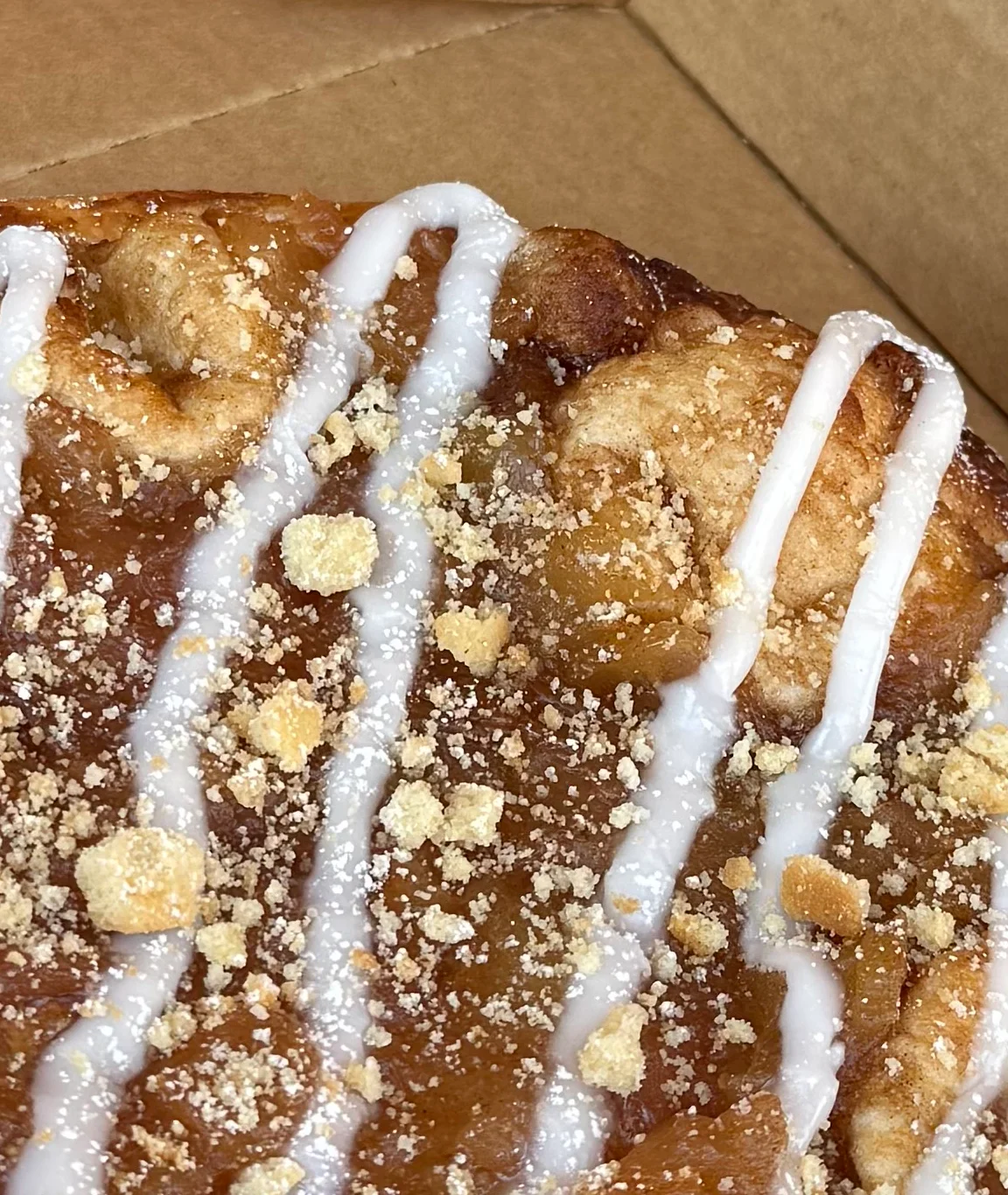
Browse our menu for classics, specialties like Apple Pie Pizza, and sides like Crazy Pinwheels. Check out combo deals for extra value.
Step 3: Customize Your Pizza
Choose your crust, sauce, toppings, and other preferences to craft your perfect pizza. Gluten-free options are available!
Step 4: Add to Cart and Log In
Review your selections in your cart. Log in or create an account to speed up checkout and earn rewards through our Pizza Club.
Step 5: Checkout and Relax
Enter pick-up or delivery details, select your method (in-house or DoorDash), apply promo codes, and complete payment. Then sit back, track your order, and enjoy delicious Crazy Tomato pizza delivered hot and fresh!
Enjoy Your Meal!
When your delivery arrives, dig in and savor the flavors of Crazy Tomato’s handcrafted pizzas.
Don’t forget to share your experience on social media and tag us for a chance to be featured!

